VOD mode
Featured multi-POV session.
Curated VODs around an event and streamers people already care about.
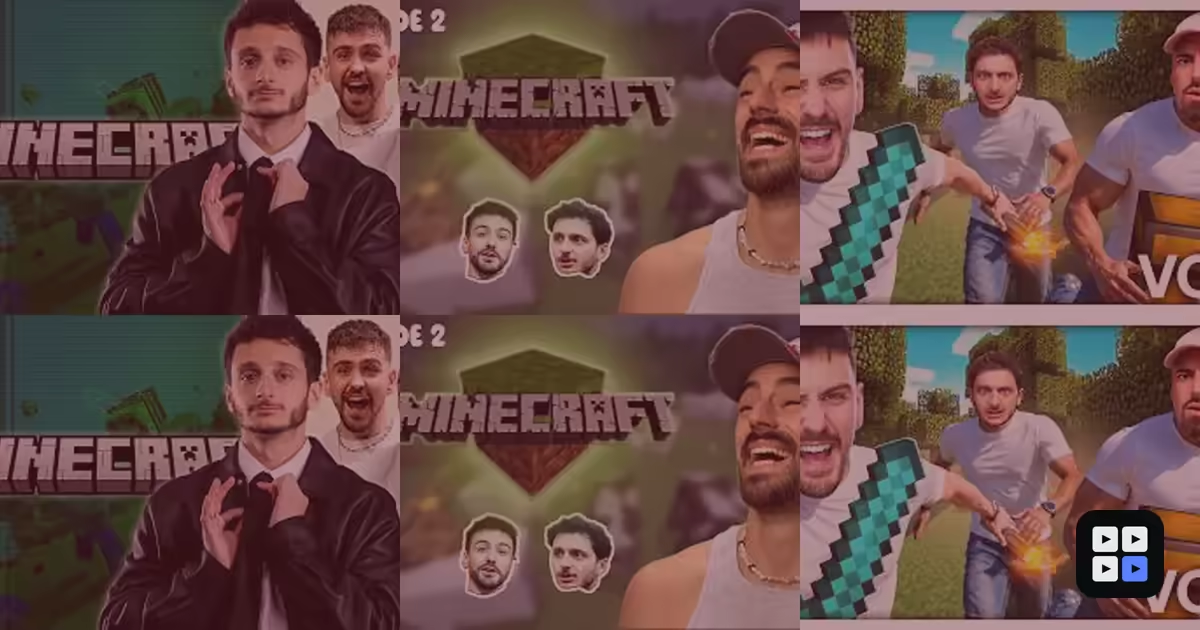
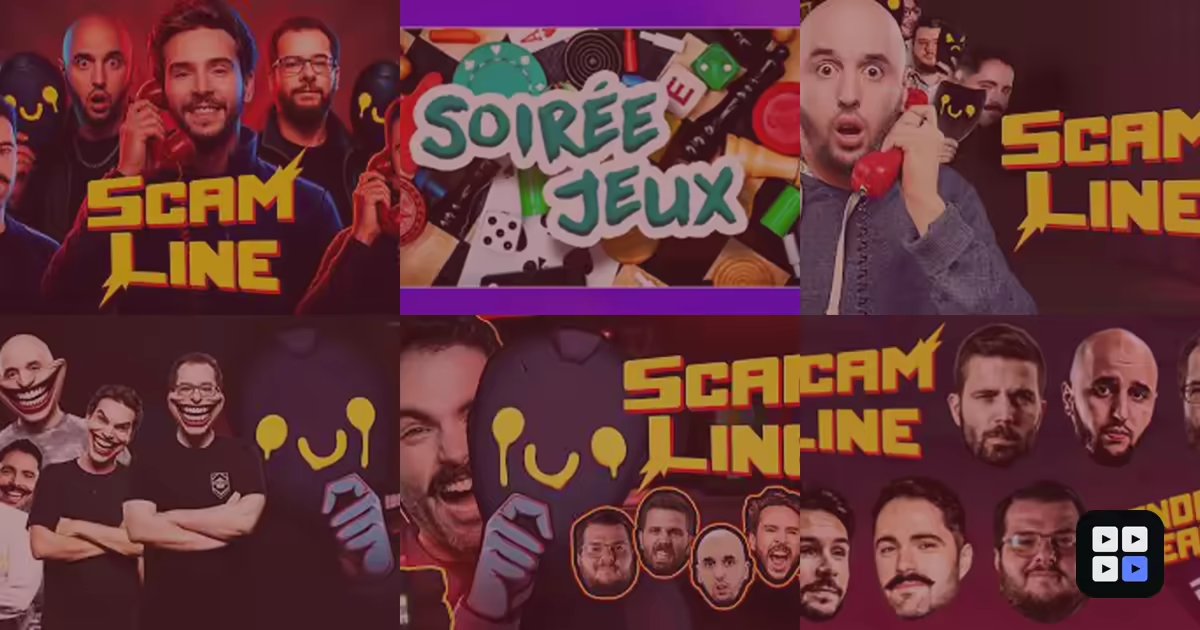
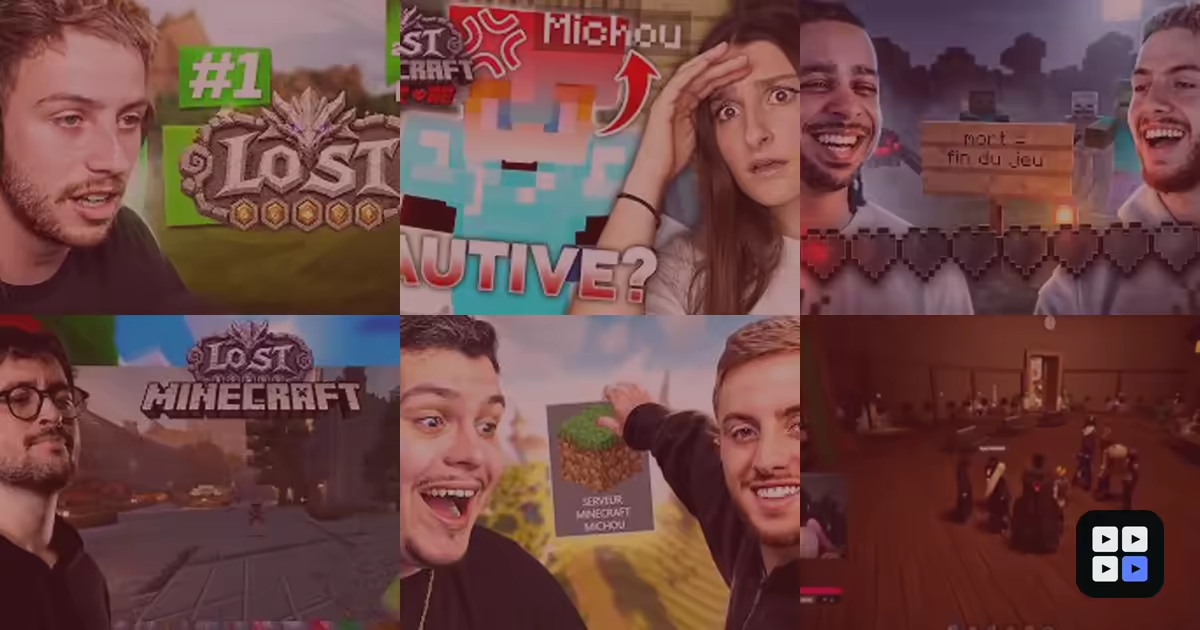
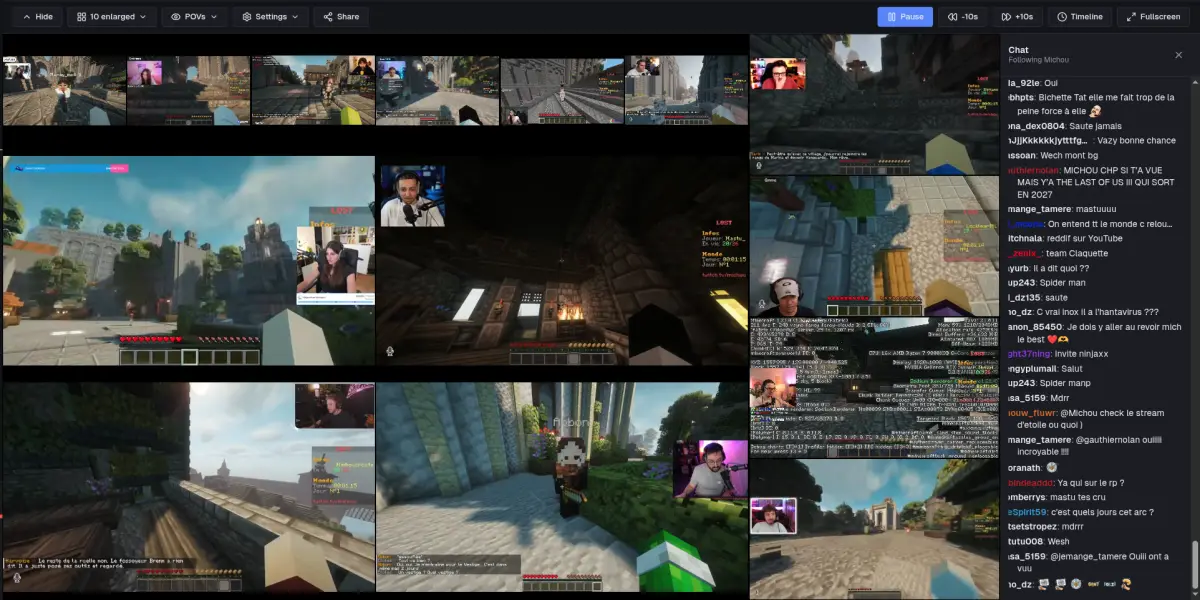
Curated VODs, synced into one control room — Focus, layouts and decoupled audio.
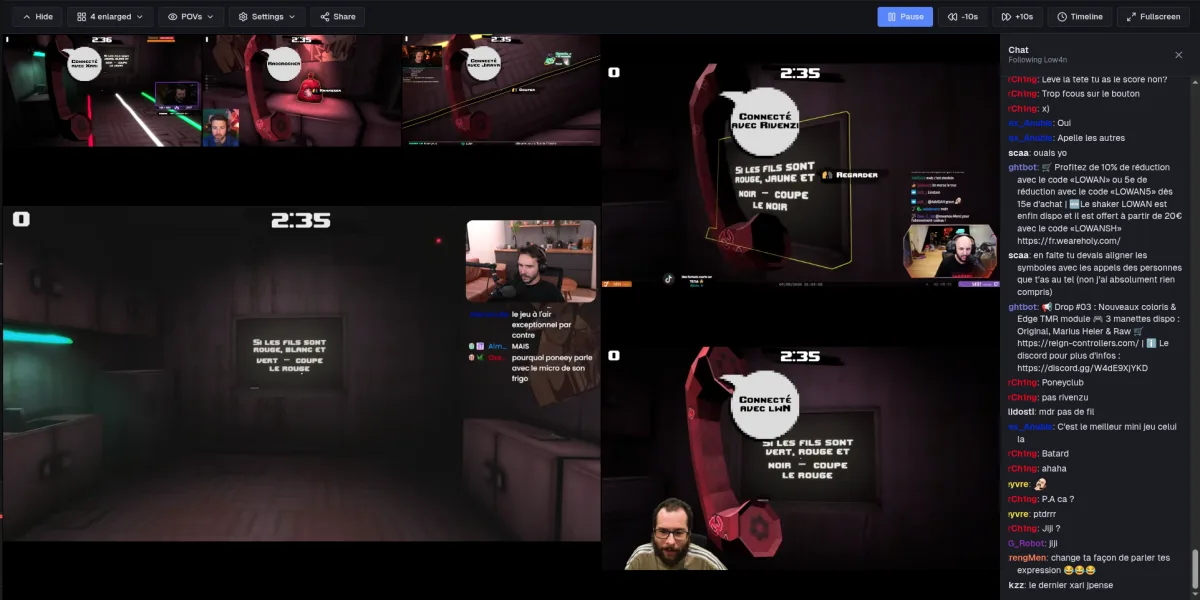
MultiPOV for sessions that deserve better than one tab per streamer.
Nobody had done it right. So we handled it.
Synced VOD on the web · Multi-POV live on the web · Live sync in the app.
The whole point
VOD mode
Curated VODs around an event and streamers people already care about.
Curated VODs, synced into one control room — Focus, layouts and decoupled audio.
Live mode
Set up your session in advance — POVs appear when their streams go live, hide when they end.
Live mode brings the same multi-POV control room: Focus, layouts and decoupled audio. Add your Twitch, YouTube or Kick channels before they go live — each POV appears when its stream starts and hides automatically when it ends.
Twitch, YouTube and Kick — live, with chat.
Reliving one moment from several angles only pays off when everything lines up. On the web, MultiPOV realigns curated VODs by sound — you give a rough cue, the app does the rest. The native app goes further: it locks live streams to the frame, and rescues trickier VODs — streams that start offset, or streamers who only cross paths partway — by syncing them the instant they share the same sound.
The only requirement to align POVs: they share the same sound. If they do, it's frame-accurate; if not, they align by their timestamps.
Optimized to the core
Synced VOD on the web · Multi-POV live on the web · Live sync in the app.
Here's what changes everything: the control room runs on gestures. A tap takes the sound; hold to swap POVs or add them to multi-audio.
Click a cell to listen to its audio without moving the layout or losing the other POVs.
Hold a cell (or drag with a mouse): left swaps it with another POV; right turns its volume up or down when you're hearing it — otherwise it joins the multi-audio.
The link carries the session and its timing to open the shared control room directly.
All three platforms work for VOD and live. Chat comes along too — in VOD and live.
Play, pause, ±10 s: a single master timeline drives all N streams together. It stays one room, not N players.
Fullscreen, controls fading after 2 s: only the videos remain.
Two steppers set how many POVs are featured: primary POVs fill the stage, secondary ones sit beside them, the rest drop into a thumbnail strip. At zero it's an equal mosaic; MultiPOV auto-splits the tiers to maximize video, then you fine-tune.
Ready-made compositions that adapt to the screen and POV count. One click recomposes the whole room.
Drag and resize each cell by hand — even stacking one over another. Sculpt the exact room you want, then save it.